
Buyer's guide21 min read
15 Best AI Receptionist Software for Small Businesses in 2026
Compare 15 AI receptionist platforms by call handling, pricing, integrations, compliance, and best fit.
W
WarmDesk editorial
2026 comparison guide
2026 guide / 07
Compare 15 AI receptionist platforms by call handling, pricing, integrations, compliance, and best fit.
WarmDesk editorial
2026 comparison guide
The short version
The best AI receptionist is the one that fits your call volume, calendar and CRM stack, compliance needs, and preferred path to human escalation.
Notably, AI receptionist software now answers up to 80% of calls that once went unanswered, a gap that research shows can cost small businesses dearly. We spent months testing these platforms and saw them book appointments, qualify leads, and route callers without letting a call slip through.
In this piece, I’ll cover the best options for agencies, including tools designed for white label AI receptionist software, AI receptionist software for agencies, and businesses that want to resell AI receptionist software in the AI receptionist software USA market.
What matters most
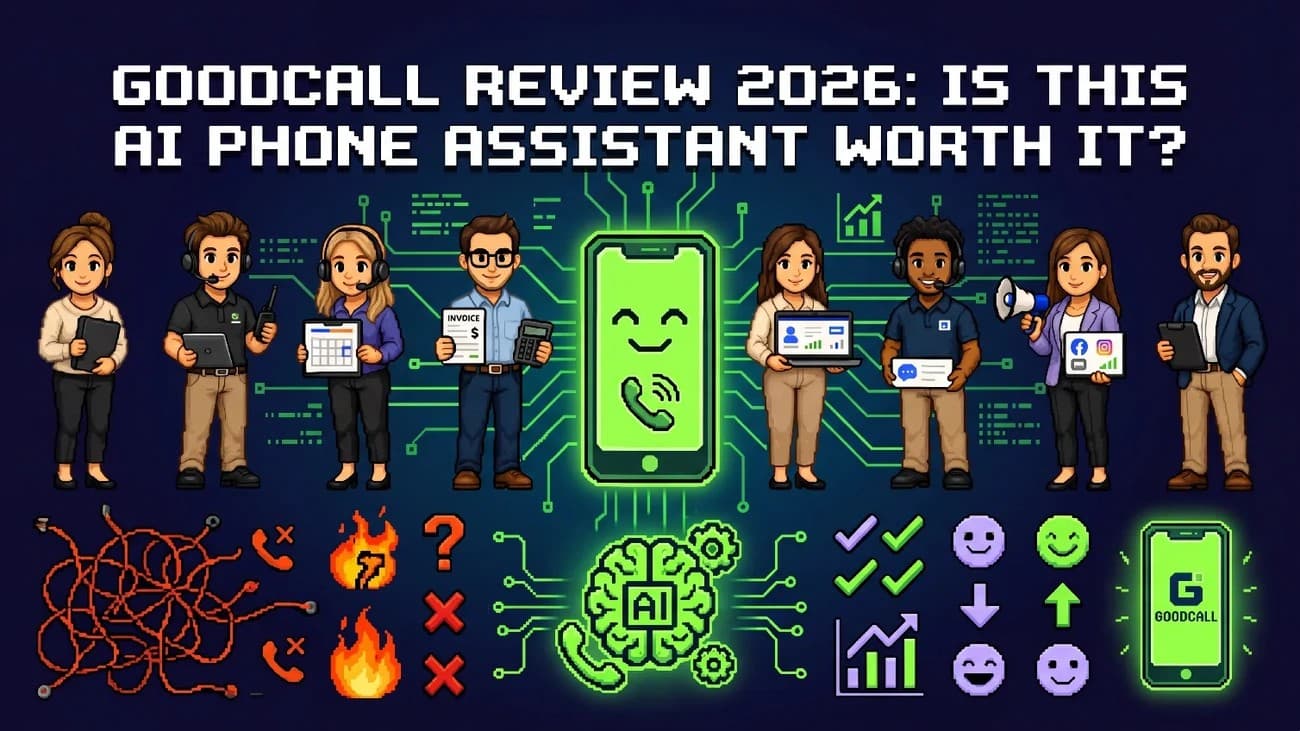
Goodcall began at Google, where it launched as CallJoy in 2017 before becoming an independent product. It now positions itself as AI receptionist software with predictable billing, which separates it from AI receptionist software providers in the USA that still charge by the minute. Goodcall sells directly to small businesses rather than targeting companies seeking white label AI receptionist software or agencies that want to resell AI receptionist software to clients. Its permission settings can still support agencies that manage multiple locations.
Gabi, Goodcall's no-code builder, creates the agent's greeting, questions, and workflows from plain-language instructions. The current GC4 generation answers calls instantly, identifies caller intent, qualifies leads, books appointments through Google Calendar, routes calls, and transfers callers to a human if needed. It also filters spam calls. Goodcall reports that it has handled more than 4.7 million calls for over 30,000 businesses.
Setup is self-service. Businesses can forward an existing number or activate a new local number, then add it to a website or Google Business Profile. Native integrations connect with Google Calendar, Google Sheets, HubSpot, Microsoft Teams, and GoHighLevel through MCP. GoHighLevel setup takes less than 15 minutes. Older agents can still connect through Zapier. Goodcall complies with SOC 2 and HIPAA requirements and signs BAAs for Scale and Enterprise plans.
Goodcall bills per unique customer rather than per minute or call.
| Plan | Price/Month | Customers Included | Extra Customer |
|---|---|---|---|
| Starter | INR 6666.06 | 100 | 79¢ |
| Growth | INR 10885.08 | 500 | 26¢ |
| Scale | INR 25229.75 | 2,000 | 15¢ |
Every plan has a free number, unlimited minutes, and a free demo agent before payment.
Pros: instant pickup, unlimited minutes, and spam filtering. Cons: roughly 600ms latency, difficulty with non-linear conversations, US-only numbers, and text messages that cannot receive replies.

Dialzara presents itself as one of the most affordable ways to add AI receptionist software to a business line, with plans starting at INR 2447.03 per month.
The platform handles unlimited simultaneous calls, books appointments, and captures prospects. It also runs outbound voice agents, two-way SMS, and a website chatbot on the same platform. Users can choose from more than 50 voices, and every plan includes a dedicated local or toll-free number. Every tier includes blind transfer, while warm transfer and calendar sync become available with Business Pro.
Setup takes about 15 minutes. Users add a website, choose a voice, and forward the business's existing number. Zapier and Make support integrations, while API access is limited to Business Elite. Unlike providers that pursue ai receptionist software usa compliance badges, Dialzara does not offer HIPAA coverage and supports English only.
| Plan | Price/Month | Minutes | Overage |
|---|---|---|---|
| Business Lite | INR 2447.03 | 60 | INR 40.50/min |
| Business Pro | INR 8353.66 | 220 | INR 37.97/min |
| Business Plus | INR 16791.71 | 500 | INR 33.75/min |
| Business Elite | INR 29448.78 | 1,000 | INR 29.53/min |
Outbound calling starts at INR 63285.34 for 1,500 contacts. SMS costs INR 1603.23, plus INR 4.22 per message.
Pros: quick setup, simultaneous call handling, and no contracts. Cons: Business Lite only takes messages, included minutes can run out fast, and outbound calling requires a separate plan.
Phonely takes a different approach than Goodcall and Dialzara. Its no-code dashboard is open to anyone who wants to test AI receptionist software before moving to a paid tier.
I can launch an agent in minutes: add a website, choose a voice, and claim a number. REST APIs and webhooks connect the agent to CRMs and ticketing tools, triggering up-to-the-minute actions when a lead arrives. Each call saves the recording, transcript, outcome, and referenced knowledge-base article to support coaching. Escalation rules send callers to a human if sentiment becomes negative, a caller requests a person, or an API call fails. Phonely supports more than 100 languages and can switch languages during a call or combine two languages in a single response. Its newer Alma model delivers its first token in 182ms, compared with 490ms for GPT-4.1.
Business and Enterprise customers receive White Glove Onboarding. Phonely's team writes the scripts, builds the agent, and stress-tests it. Integrations support Google Calendar, HubSpot, Salesforce, Pipedrive, Mailchimp, Slack, and Zapier. Security features include HIPAA and GDPR compliance, third-party penetration testing, and automatic redaction of names and card numbers. Enterprise clients can also use on-premise deployment.
Phonely does not publish flat pricing. Its Business and Enterprise tiers scale toward dedicated GPU infrastructure and 99.999% uptime for more than one million calls, which suits agencies that plan to resell AI receptionist software.
Pros: broad language coverage, detailed call logs, and compliance-ready security. Cons: White Glove Onboarding and dedicated infrastructure require higher-tier plans, which limits visibility for small businesses comparing AI receptionist software USA options.
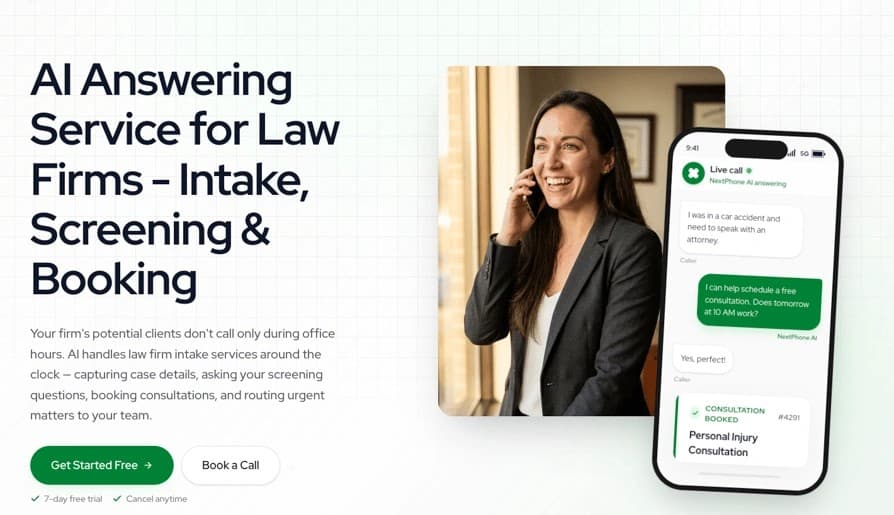
NextPhone built its AI receptionist software for contractors and home service trades, including HVAC, plumbing, electrical, and roofing crews. The system learns a business's services, prices, hours, and FAQs directly from its website.
The system starts with a warm transfer that tells the owner who is calling and why before they pick up. If no one answers, it takes a detailed message. The agent asks relevant intake questions, flags urgent jobs, checks calendar availability, books appointments, and sends text confirmations. Owners can choose from 30 natural voices, and the system supports 14 languages, including English and Spanish. It can switch languages during a call. The system recognizes returning callers and skips repeat questions. Each call ends with a text and email summary that includes the transcript, recording, and booked appointment details.
Setup takes about five minutes. Users enter their website, set routing rules, test the line, and forward it. NextPhone writes directly to Clio, Lawmatics, MyCase, and more than 100 other CRMs. Zapier and webhooks support custom workflows. Calls use TLS 1.3 encryption in transit and AES-256 encryption at rest. The company stores data in the United States.
Pro starts at INR 16791.71/month and includes unlimited calls. Growth starts at INR 25229.75 and adds CRM sync, while Scale starts at INR 50543.89 for multi-location routing.
Pros: Flat pricing and CRM write-back. Cons: No HIPAA support or BAA, plus a pricing page that gives conflicting information about CRM tier placement.

My AI Front Desk positions itself as AI receptionist software for owners who rely on packed calendars. Its phone agent handles scheduling and updates appointments immediately.
The AI checks current availability, books or reschedules appointments, and syncs with Google Calendar and Outlook to prevent double bookings. It can manage unlimited simultaneous calls, so it answers even when a hundred phones ring at once. Owners can select from more than 100 voices and choose GPT-4, Claude, or Grok as the model. Response latency is measured in milliseconds.
Setup takes less than five minutes. Forward a number, describe the business, and launch the service. Zapier connects the platform with more than 9,000 apps, and direct integrations support Salesforce, HubSpot, and Zoho. HIPAA compliance options provide encryption, access controls, and audit trails for regulated practices.
The Free plan costs INR 0. Business-in-a-Box costs INR 8353.66 per month, or INR 6666.06 per month when billed annually. It includes 200 voice minutes, 400 SMS messages, 100 chatbot conversations, and 1,000 overage credits. Voice overages cost 25 credits per minute, or INR 21.10. Business-in-a-Box limits outbound calls to 20 per day.
Pros: Unlimited parallel calls and a choice of models.
Cons: Starter support is available only by email and has a one-week SLA.

Zeeg combines an AI voice agent with built-in appointment booking, so calls turn into confirmed calendar meetings without Zapier or a third-party connector in between.
The agent answers inbound calls, qualifies callers through natural conversation, and routes them by territory, language, or availability. It can transfer calls to a human when needed. Outbound campaigns can run at scale to re-engage cold leads or upsell existing customers automatically. Hosts can duplicate an agent, give it a new number, and set custom fields for it to listen for during every call. Results go to a webhook. Call transcripts are available as PDF, plain text, or JSON downloads.
Calendar sync supports Google Calendar, Outlook, Office 365, Exchange (2013, 2016, 2019 via EWS), iCloud, and CalDAV. Availability updates immediately to help prevent double bookings. Zeeg also connects with Zoom, Teams, Webex, Slack, HubSpot, Salesforce, Pipedrive, Stripe, PayPal, and Okta for SSO. European hosting supports GDPR compliance.
Sign-up has a 14-day premium trial, and no credit card is required. SMS workflows use monthly SMS credits, which users can track in their subscription settings.
Pros: integrated voice and scheduling, broad calendar support, GDPR compliance. Cons: plan pricing is not disclosed upfront.
"Smith.ai is going to save you so much time, really screen clients, and get to the chase—and also provide a great experience for those calling your business." — Carol O’Connor Cadiz, O’Connor Cadiz Accident & Injury Law — personal injury
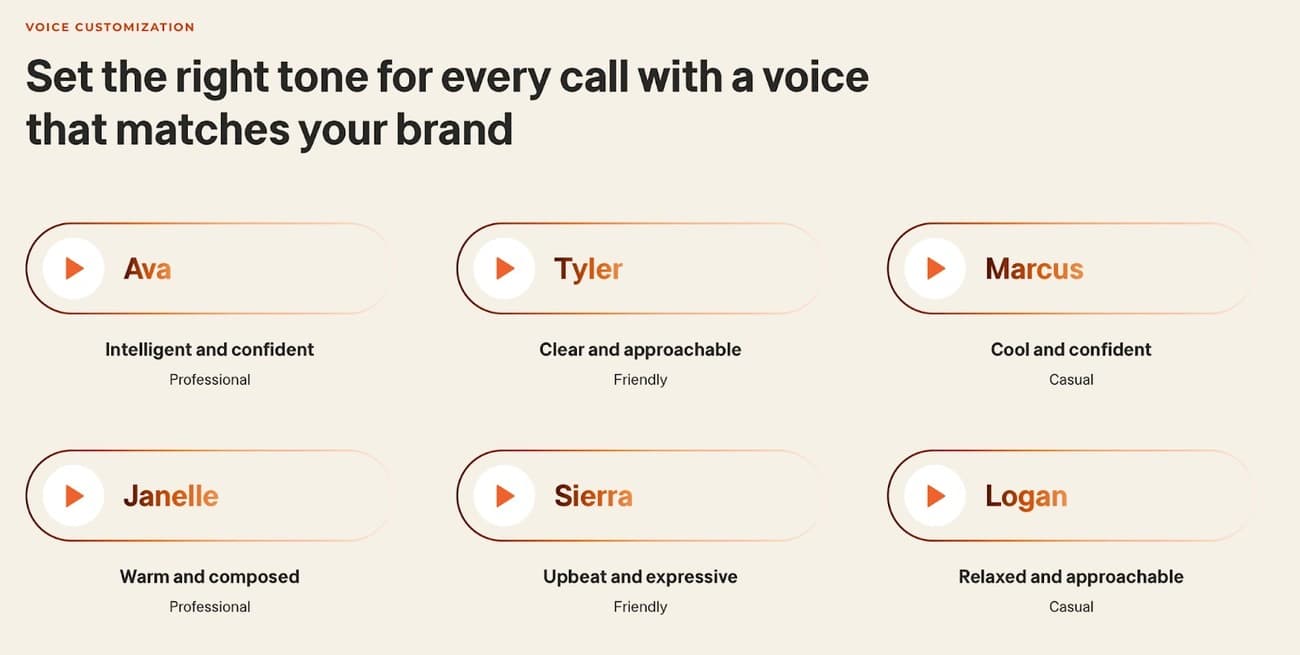
Smith.ai built its reputation in legal and professional-service intake by combining AI call handling with a 24/7 Live Agent Network for calls that require a human touch.
The AI answers first, qualifies guides, and transfers complex matters to a North America-based live receptionist at any hour. Its qualification logic draws on experience from more than 20 million calls answered in the last decade. Spam filtering automatically blocks over 20 million known numbers, while a 10% monthly allowance covers spam that gets through.
A web wizard deploys the agent in about 15 minutes, and live specialists can answer setup questions. Native integrations support Clio, Zapier, and more than 7,000 other systems. Call recordings remain encrypted behind dashboard credentials and are deleted after three months.
The Free plan has 25 calls per month. Pro costs INR 12,657.07 for about 2-3 calls per day, while Enterprise starts at INR 42,190.23 for roughly 10 daily calls. Billing is per call rather than per minute, with no contracts.
Pros: human escalation, predictable per-call billing, and deep integrations. Cons: it costs more than simple competitors, and cloud outages eliminate fallback coverage.

Moneypenny spent 25 years building a human answering service and then used that experience to create AI receptionist software. Its team trained the agent on 200 million calls handled since 2000.
The agent handles five core tasks: lead qualification, appointment scheduling, call routing, FAQ responses, and data collection. It escalates calls when it detects high value or complexity, caller frustration, or a request to speak to a person. A real Moneypenny receptionist takes over at any time. Businesses can clone their voice or select a preset tone that matches their brand.
A Solutions Architect creates the call flows and knowledge base, so most clients can go live within days instead of weeks. Existing phone numbers remain unchanged, and calls divert to a new line. Integrations include HubSpot, Salesforce, Calendly, Slack, Microsoft Teams, Clio, Dynamics 365, Zapier, and Jotform. Zapier's MCP layer allows external AI agents to trigger Moneypenny actions directly. The platform meets GDPR and CCPA requirements and uses encryption with audit logs.
Plans begin at £49 per month. Pricing uses bundles of minutes in 30-second increments instead of rounding up to full minutes, although Moneypenny does not publish a simple rate card beyond the starting price. The company states that its AI can cost up to 65% less than traditional people-first answering services.
Pros: decades of call data, human backup, and voice cloning. Cons: pricing becomes quote-based beyond the entry plan, and unused minutes do not carry into quieter months.
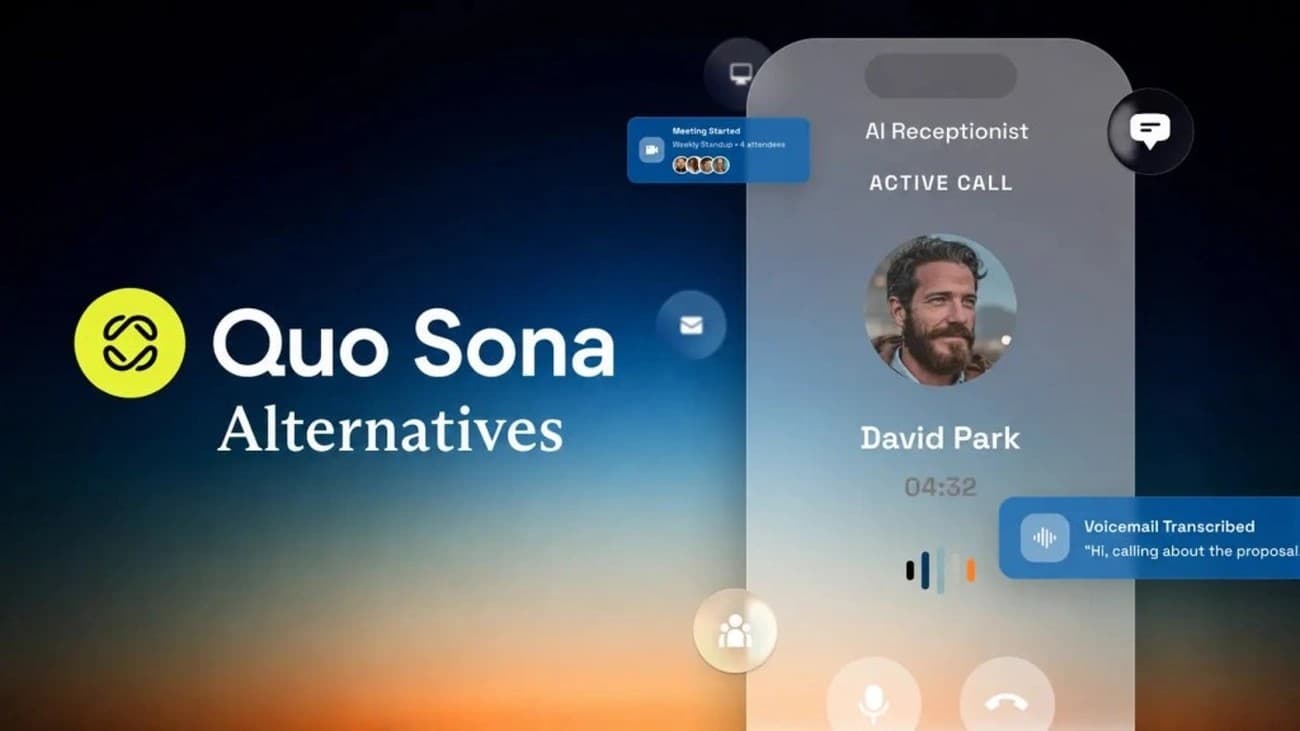
Quo, OpenPhone's rebrand completed in late 2025, offers Sona as an AI voice agent add-on for teams that share one business number. It suits colleagues who divide call duties through a shared line because every plan has message capture and call logs in the same shared inbox.
Sona answers calls around the clock, greets callers, and pulls information from a knowledge base with hours, pricing, and FAQs. It can also handle custom "jobs," such as lead qualification and scheduling, as well as escalation based on your instructions. Sona can transfer calls to a teammate, send a scheduling link by text during a call, and log each conversation with a recording and summary in Quo. It supports English, Spanish, and French, but it cannot switch languages during a call and only handles inbound calls.
Admins add a Sona block to the call flow, test it, and publish it. A 7-day free trial is available to paid, Stripe-billed workspace owners who have not used a trial before. Sona only works within Quo and connects with HubSpot, Salesforce, Zoho CRM, Pipedrive, Attio, Clio, Jobber, Gong, and HighLevel. Quo added HIPAA compliance alongside SOC 2 reporting in late 2025.
Every plan has 1,000 free Sona credits each month, which covers about 10 calls. Each call uses 100 credits.
| Tier | Price/Month | Credits | Calls | Overage/Call |
|---|---|---|---|---|
| Free | INR 0 | 1,000 | ~10 | INR 84.38 |
| Tier 2 | INR 2109.51 | 4,000 | ~40 | INR 63.29 |
| Tier 3 | INR 4134.64 | 10,000 | ~100 | INR 54.85 |
| Tier 4 | INR 8353.66 | 25,000 | ~250 | INR 46.41 |
| Tier 5 | INR 16791.71 | 60,000 | ~600 | INR 37.97 |
Starter seats begin at INR 1265.71 per user each month with annual billing.
Pros: shared-number collaboration, customizable jobs, mid-call SMS, and capped spending. Cons: credits do not roll over, Sona only works within Quo, outbound calling is not available, and HIPAA coverage arrived in late 2025.
RingCentral AI Receptionist is most appealing to businesses already using RingEX because its AI layer works with existing phone numbers, extensions, and routing rules instead of replacing them.
The agent answers calls 24/7, routes callers by name or intent to any global number, and can switch languages during a call between English, French, Spanish, Italian, German, and Portuguese. It captures leads with custom intake questions, books appointments through Google and Outlook calendars, and sends SMS follow-ups automatically. Televero Health reported a 97% CSAT score after deployment, while Iron Workers International resolved 60% of member calls through the AI alone.
Auto-setup imports configuration from a business website or Google Business Profile, and the system supports any phone platform through call forwarding or SIP integration. It connects with CRM platforms such as Salesforce, HubSpot, and Zoho, along with WhatsApp, Calendly, and Shopify. RingCentral handles billions of AI-enabled minutes each month for more than 400,000 customers in over 100 countries, and the platform meets HIPAA and SOC 2 compliance requirements.
Standalone plans start at INR 4134.64/month and include 100 minutes. The RingEX bundle costs INR 3290.84 plus INR 2531.41. Additional usage costs INR 42.19 per minute in 30-second billing increments, and both plans include a 14-day free trial.
Pros: Unlimited AI Receptionist deployments without per-seat fees, deep CRM synchronization, and measurable results such as Axis Integrated Mental Health's projected INR143.45M revenue lift. Cons: Community feedback notes a limited prompt character count and unclear support for real-time web searches.
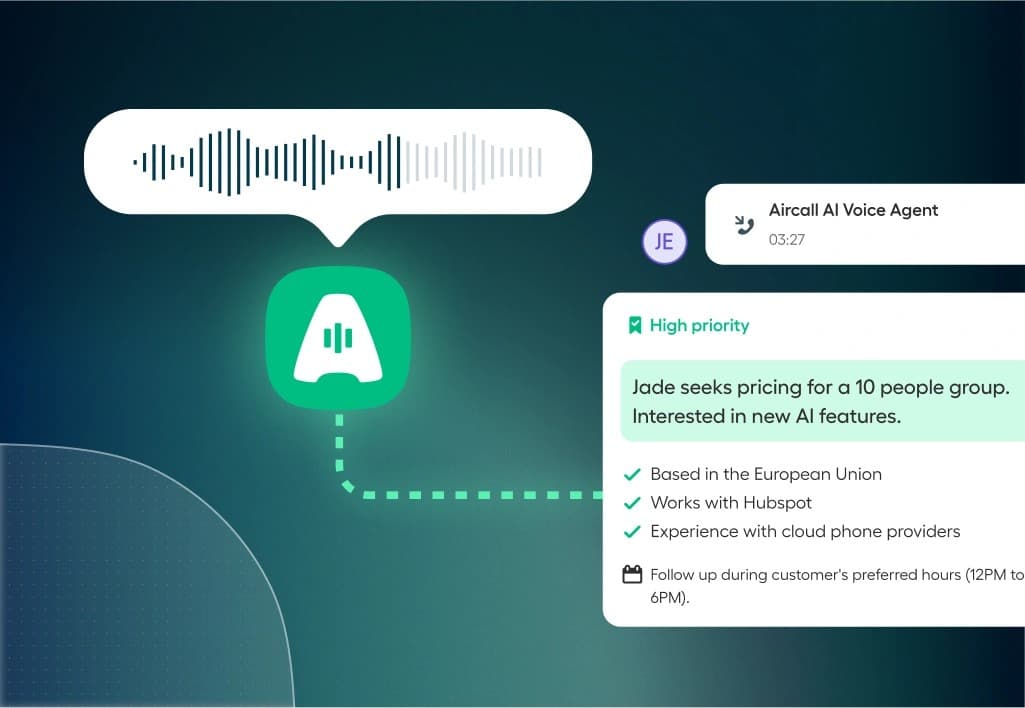
Aircall moves its focus to sales and support teams that work in a CRM. Its AI Voice Agent is built directly into the phone system instead of relying on a third-party bot.
The agent uses natural language processing to understand complete sentences and caller intent. It can handle requests such as rescheduling a meeting without forcing callers through a fixed menu path. It welcomes callers in natural, expressive language and checks calendars to book, reschedule, or cancel appointments during the call. It also confirms attendance in advance, which can reduce missed appointments by up to 39%. The agent supports 38 languages, and human teammates receive the full conversation context with every handoff.
Setup requires a customized prompt and routing rules before the agent goes live, with no code required. Calls use existing Aircall numbers, so SIP trunks are not required. The system integrates natively with Salesforce, HubSpot, Zendesk, and more than 100 other tools. Aircall meets SOC 2 and GDPR requirements, and EU data storage will expand through 2026.
Essentials and Professional plans include 50 free AI minutes. Pay-as-you-go pricing is INR 41.35 per minute and drops to INR 32.91 after 2,500 minutes. Bundles start at INR 14766.58 for 500 minutes.
Pros: Native CRM logging, unlimited concurrent calls, and consistent compliance scripting. Cons: Add-ons such as Analytics+ and AI Assist Pro increase per-seat costs beyond the advertised price.
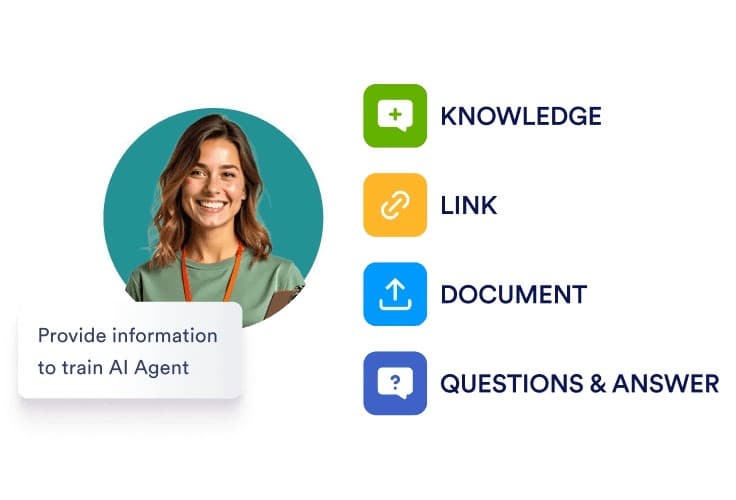
Jotform AI adds its AI receptionist software to an ecosystem that small businesses already use for forms. It brings phone answering into the same dashboard that manages bookings, surveys, and intake.
The agent answers calls around the clock and handles hotel-style questions about availability, amenities, and policies without delay. It can then manage reservations through conversational forms. Setup involves building and training the agent with FAQs, product details, and company policies. Users can set its tone, voice, and escalation rules to match their brand. Beyond phone support, the agent schedules appointments and sends follow-up emails or SMS messages automatically. The Mobile App for Human Escalation allows an owner to join any live conversation from their phone.
Users select a dedicated number by country and area code after purchasing the Phone Agent option. Integrations include Calendly, Shopify, Facebook Messenger, Instagram, WhatsApp, Salesforce, Google Calendar, Outlook, and Slack. Jotform AI Agents use OpenAI's GPT-4 with encryption in transit and at rest. HIPAA-enabled accounts use Google's Gemini Models through Vertex AI under a signed BAA.
Jotform offers a free plan, while the Bronze plan costs INR 3290.84 per month or INR 3037.70 per month when billed annually.
Benefits include flexible regional numbers and follow-ups across multiple channels. Setup requires a meaningful investment in training, and the workflow suits digital operations more than in-person staffing.
Synthflow is built for agencies that want to resell AI receptionist software under their own brand instead of sending clients to another company's dashboard.
Teams build agents in a no-code Flow Designer. The BELL framework tests each agent in a simulated Test Center before it handles a live call. Calls support contextual routing, appointment booking, voicemail detection, and SMS follow-ups by default. Auto-QA reviews conversations after launch. Latency remains below 800 ms, and the platform supports more than 30 languages.
Settings → Workspace Settings → Integrations connects CRM, ticketing, calendar, messaging, and telephony providers, including Twilio, SIP, and PBX configurations. BYOK support allows agencies to use their own OpenAI or Azure credentials. Security has SOC 2, HIPAA, and GDPR compliance. The platform also redacts PII in transcripts and logs, with a 30-day auto-delete option for recordings and transcripts.
Per-minute rates begin at INR 6.75 and fall to INR 5.91 at enterprise volume. The platform charges no license fees or failed-call fees. Agency plans bill sub-accounts through Stripe and limit trials to 200 minutes before conversion to a paid plan. Synthflow retired in-product reselling on September 15, 2026, directing agencies to its newer plan-based billing model.
Pros: no-code agent building, sub-account billing, and flexible telephony.
Cons: reported white-label pricing can reach thousands per month, and public pricing remains unclear without a sales call.
Retell AI serves small businesses that need a receptionist built around their workflow instead of a fixed template. It also lets them add integrations as call volume increases. The platform presents itself as voice infrastructure for enterprise contact centers, but businesses can launch a standard agent without an engineering team.
The agent identifies why someone is calling, gathers details, and qualifies the request before making a warm transfer to the appropriate person, department, or on-call phone. It tells callers who is on hold and why before connecting them. If the line goes unanswered, the agent takes a message or schedules a callback rather than leaving the caller at a dead end. Remote teams can configure it to ring each person’s desk line or cell phone. One healthcare deployment increased scheduling NPS by 38% and filled underused provider capacity.
A standard build can go live in a day on an existing number through SIP trunking with Twilio, Telnyx, Vonage, Genesys, or Five9. Calendar sync uses Cal.com and Google Calendar, while CRM sync supports HubSpot, Salesforce, and Go High Level. Other connections are available through Zapier, n8n, or webhooks. Retell holds SOC 2 Type I and II and ISO 27001 certifications, along with HIPAA and GDPR compliance. It also offers PII redaction and agent-level retention settings from one day to two years.
Billing is pay-as-you-go, starting at INR 5.91 per minute without a platform fee. New accounts receive INR 843.80 in free credit. Every plan includes 20 concurrent calls from the start.
Reviewers praise the clean interface, with 142 mentions, and its integrations, with 119 mentions. Common complaints include a steep learning curve, cited 80 times, and higher-than-expected per-call costs, cited 87 times.
"When Ring customers call in, they expect fast, high-quality support. We went from zero to production in two weeks, and 100% of our inbound volume now runs through Vapi. Most importantly, we've maintained our high bar of support for our customers and CSAT scores have improved." — Jason Mitura, VP of Software Development
Overall, these 15 tools show that AI receptionist software has advanced far beyond simple call answering. Goodcall and Dialzara suit budget-conscious owners, while Phonely and Synthflow give agencies white-label flexibility. NextPhone and Smith.ai, to name just one example, meet niche needs such as contractor services and legal intake, whether you need human backup or flat-rate billing.
We've tested pricing and integrations across the board, along with compliance, so choose based on call volume, required CRM connections, and the importance of human escalation to your business. No single platform wins every category, of course. Review your call patterns and try a free trial. That process will help you find the right match without guesswork.
Side-by-side
Pricing is shown in INR as presented in the supplied October 2026 source document. Exchange rates, product details, and plan terms may change; confirm current information with each provider.
Conclusion
The right AI receptionist software should match how your business operates, rather than the platform with the flashiest features. A solo contractor taking calls between job sites needs something different than an agency that plans to resell AI receptionist software to a dozen clients under separate brands. Law firms that want human backup may prefer Smith.ai or Moneypenny AI, while technical teams building a custom voice stack may find Vapi or Retell AI a better fit.
Small businesses operating in the AI receptionist software USA market should consider compliance and integration depth as carefully as price. Agencies reviewing white label AI receptionist software need to weigh sub-account billing and branding control with call quality, since these factors affect whether clients remain over time. Firms looking for AI receptionist software for agencies should choose platforms with multi-location permissions instead of updating tools built for one business.
Test two or three finalists with actual call scenarios before committing your budget. Forward an existing number, run live calls for a week, and review how each agent handles edge cases and interruptions, including transfers. Schedule a demo to compare each option with your current setup before switching.
FAQ
Use these checks to narrow the field before you test finalists with real calls.
Yes. They can answer common questions, capture leads, book appointments, and route calls. Complex requests may still need human help, so test how well a service handles interruptions and transfers.
Keep reading
A practical look at what happens between the first ring and a confirmed appointment.
Read guideTurn the rules your best receptionist knows into a booking flow customers can use by phone.
Read guideGet started
See how WarmDesk handles intake, scheduling, and follow-up using the rules your team already trusts.